
One-click contact verification that streamlines outreach
Streamline your outreach efforts and accelerate your sales process with access to verified contact details in one click.
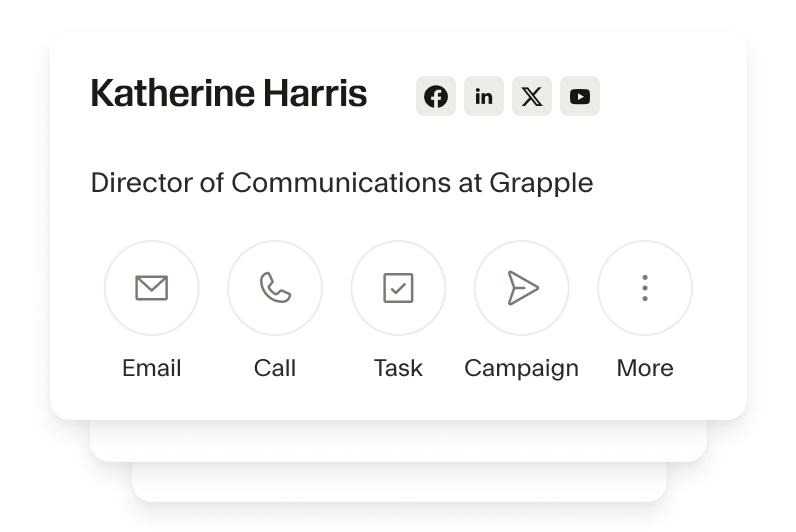
Effortless data enrichment
Say goodbye to manual data entry. The Seamless x Copper CRM integration allows you to build lists of 100s, gather countless data points on contacts and accounts, from job titles to social profiles without leaving your Copper account.
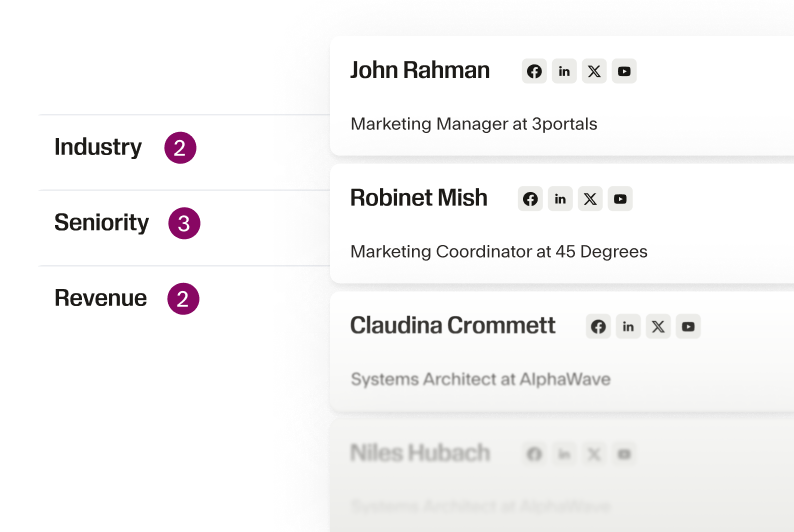
Streamlined lead generation
Seamless' advanced search filters help you identify look-alike contacts and accounts that closely match your ideal customer profile. Expand your pipeline with high-potential leads that fit your success model and get them into your CRM in a few clicks.
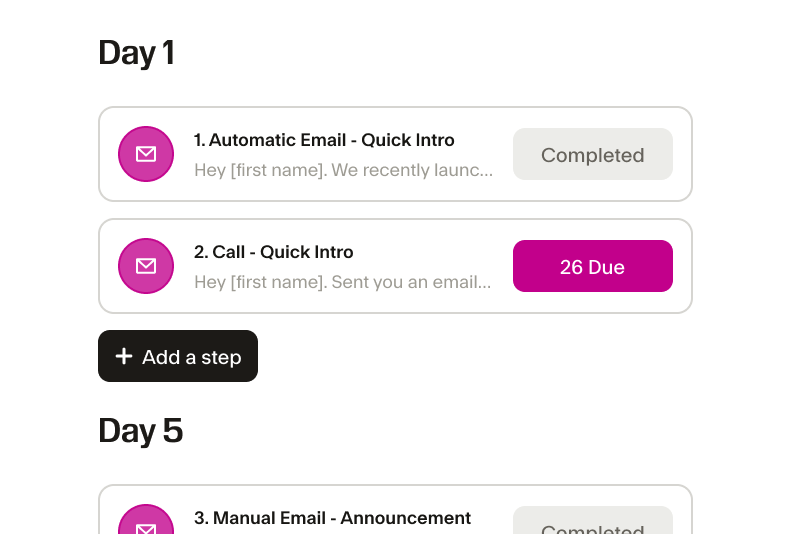
Enhanced productivity
Copper is built for productivity, and with Seamless, you can take it to the next level. Automate tedious tasks like data entry and research, freeing up your team to focus on building relationships and closing deals.
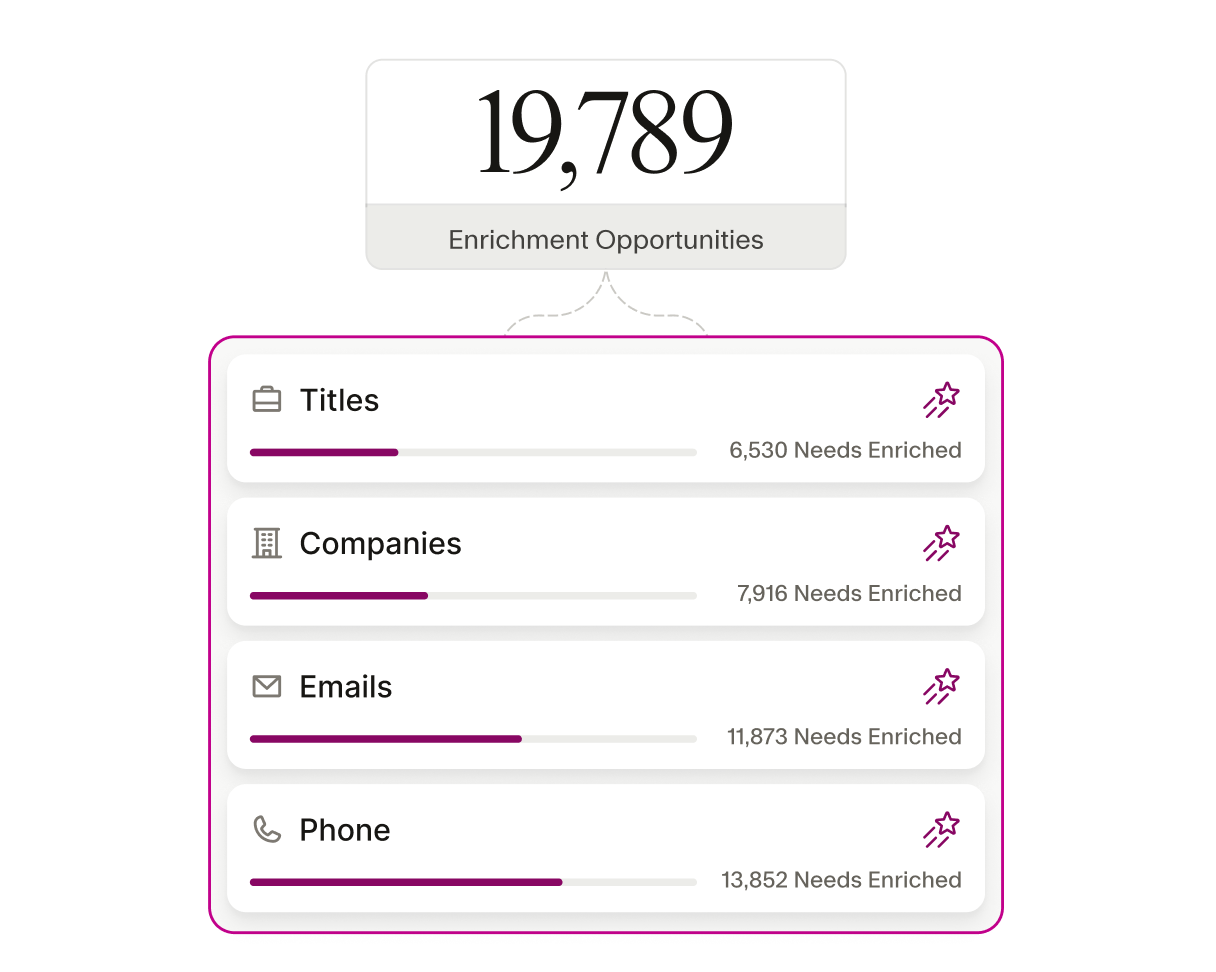
Improved data accuracy
Keep your CRM clean and reliable. Seamless’ integration with Copper ensures that your contact details are always accurate, reducing the risk of stale information that could slow down your sales efforts.
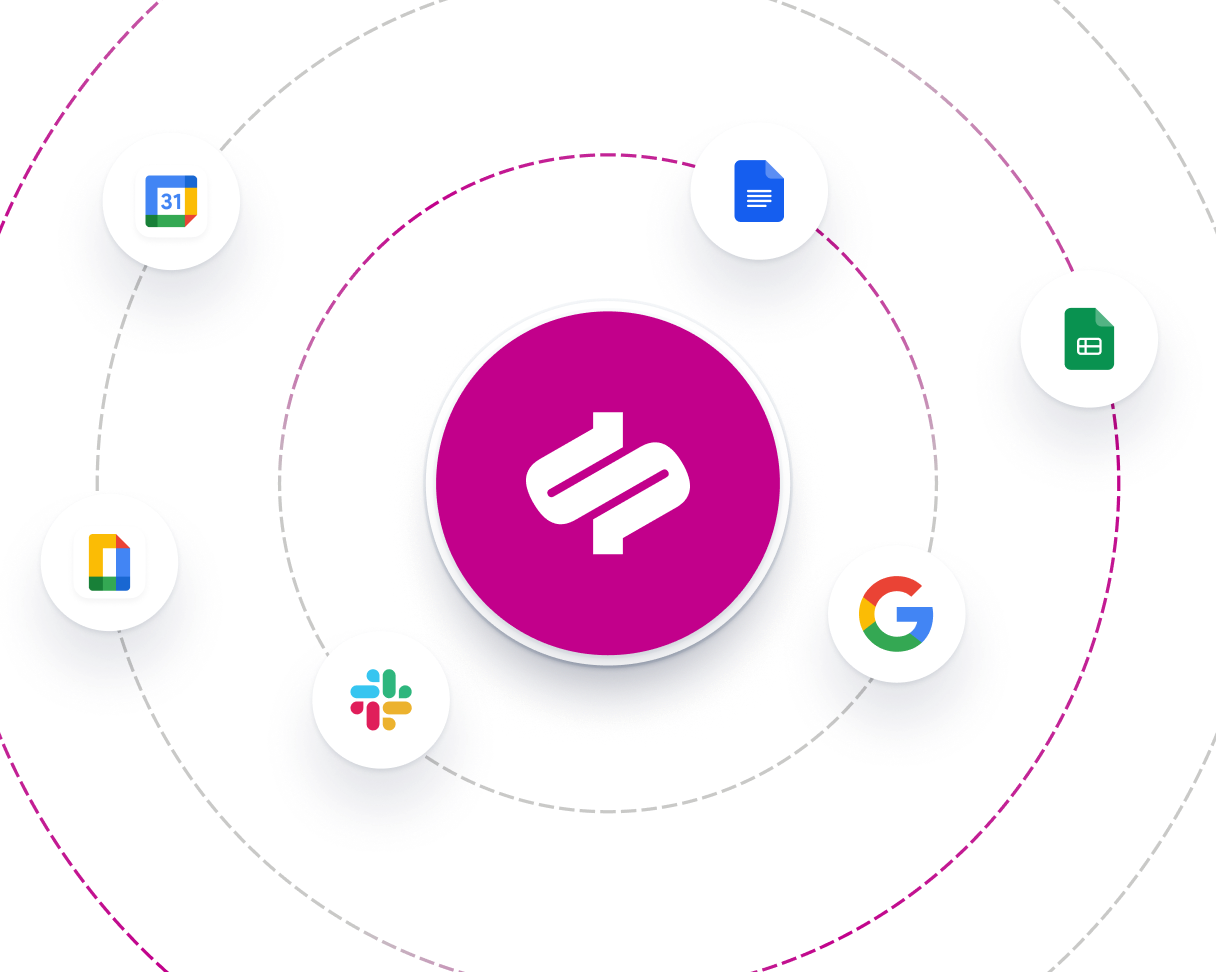
Seamless workflow integration
Copper is designed to work where you work, and with our helpful integration, you can connect all your sales tools in one place. Keeps your sales process smooth, uninterrupted, and seamless.
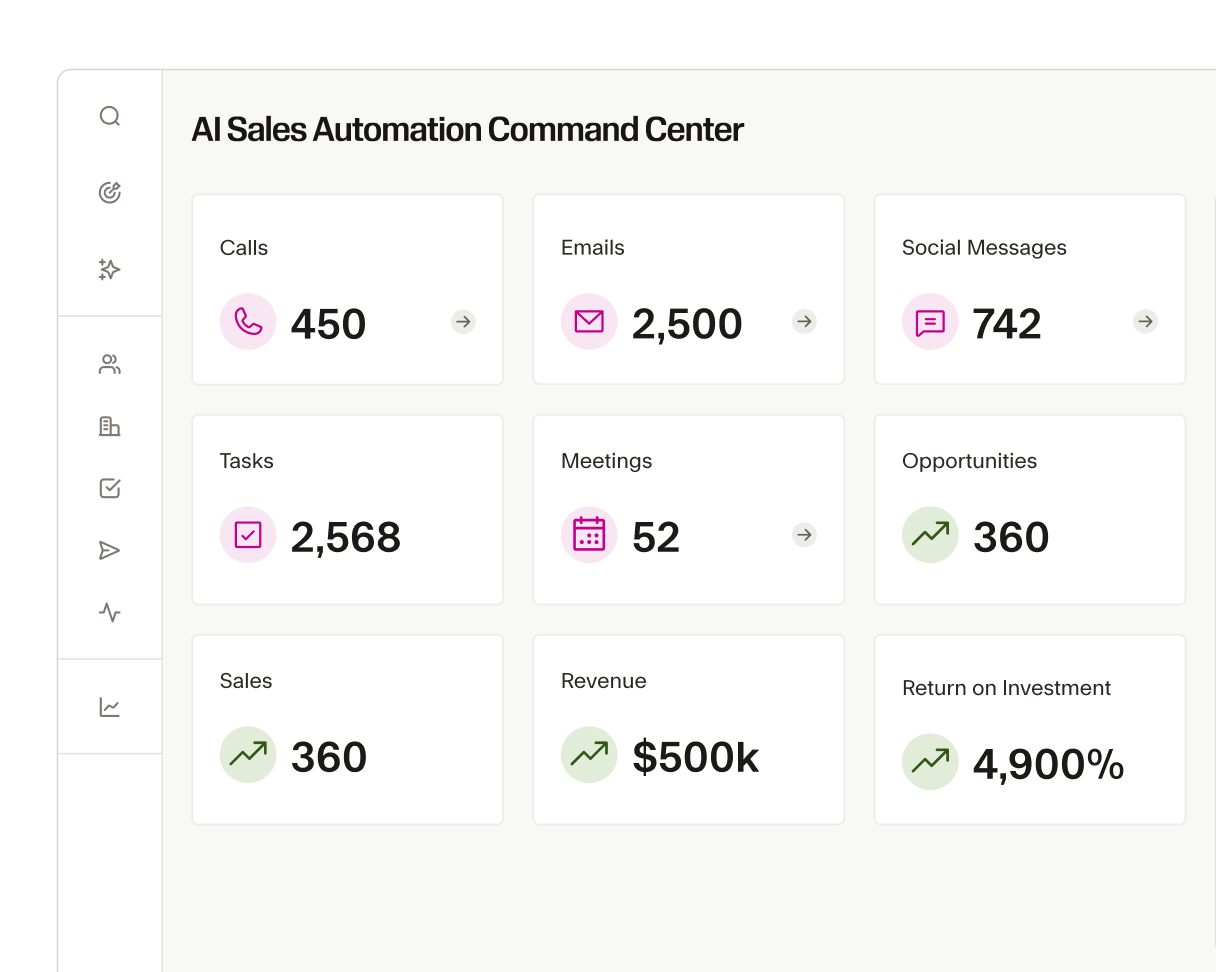
Scalable lead management
As your business grows, so do your lead generation needs. The Seamless and Copper integration can be customized so you can scale your lead management effortlessly, ensuring your team can handle more prospects without sacrificing quality or efficiency.
The AI power behind every winning team
From first prospect to final deal, Seamless unites real-time, verified data with intelligent automation to help teams sell smarter, grow faster, and power revenue at every stage of growth.